
AI directories can be useful right up until they become another form of procrastination. There are thousands of tools, dozens of categories, constant launches, overlapping features, and pricing pages that change faster than most comparison articles can keep up.
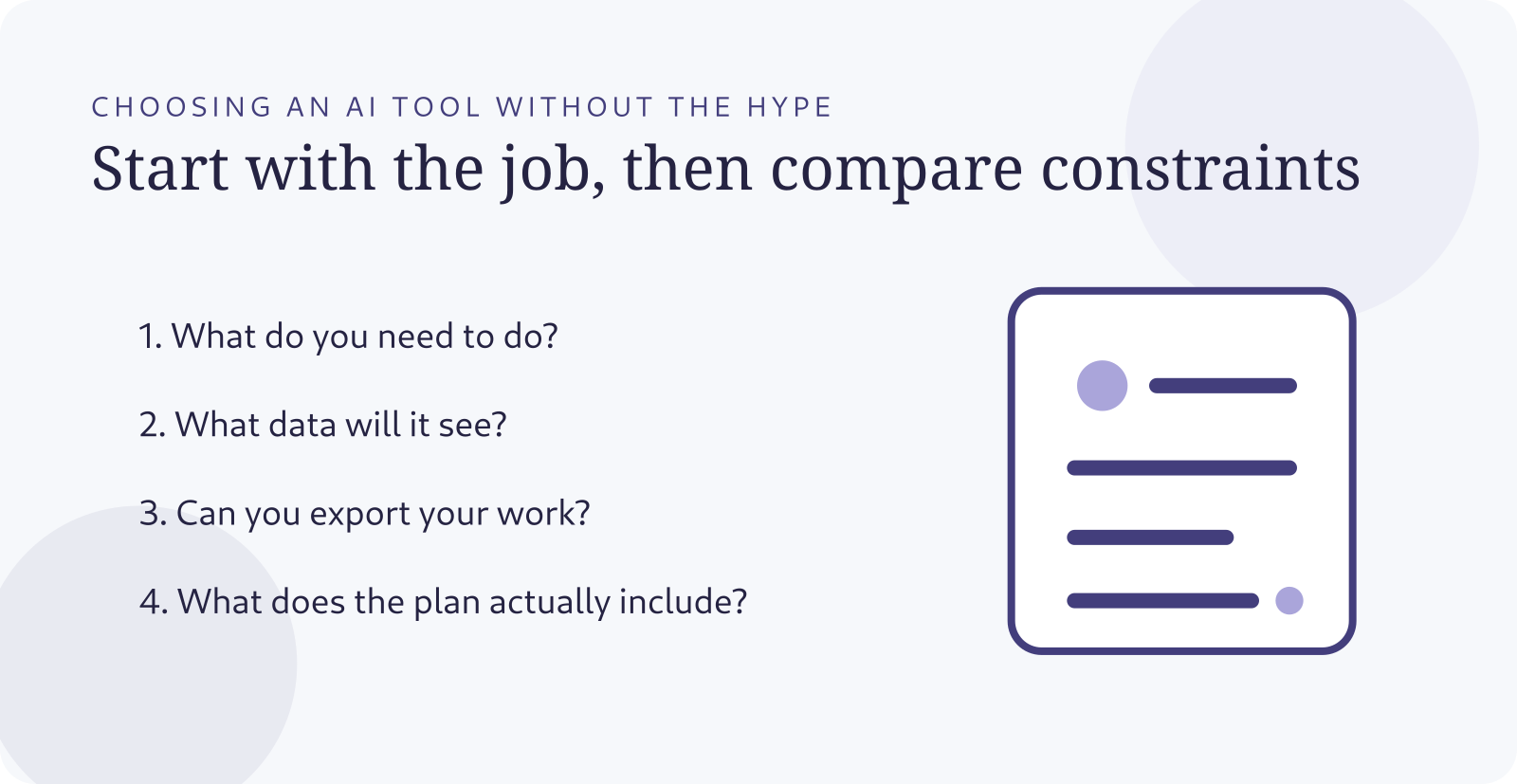
Start with the job, not the brand
“I need an AI tool” is too broad. “I need to summarize research papers with citations,” “I need to edit product photos,” or “I need to prototype a mobile app and export the code” are much better starting points. Once the outcome is specific, most of the catalog becomes irrelevant.
Lumen currently organizes AI tools by practical categories such as writing, images, video, code, research, automation, audio, productivity, marketing, and chat, and it exposes filters such as free tier, API availability, open-source status, local execution, and pricing. Those filters point to a broader truth: features matter, but constraints often decide the winner.
Compare the constraint that can break the workflow
Before you compare model quality, identify the non-negotiable constraint. Does the tool need to run locally because the data is sensitive? Do you need an API? Must you export source files? Does the team require SSO? Is commercial usage permitted? Can the vendor retain your prompts? Does the free plan limit the exact feature you care about?
A tool can be brilliant at the demo task and still be the wrong choice if it traps your work inside a proprietary format.
Read pricing as a system, not a monthly number
AI pricing often includes usage limits, credits, model restrictions, seat pricing, storage, generation speed, API charges, or separate cloud costs. “$20/month” is not enough information. You need to know what happens when your real workflow hits the limit.
Test with a realistic sample
Do not evaluate a writing tool with “write a paragraph about coffee” if your real job is editing a 4,000-word technical draft while preserving citations. Do not evaluate a coding tool with a toy calculator if you need it to understand a large repository. Use a sample that resembles the work you will actually give it.
For a research tool, ask it to produce a claim ledger with sources and uncertainty. For an image tool, test prompt control, text rendering, consistency, editing, and export resolution. For an automation platform, build the smallest real workflow and watch what happens when an input is missing or an API fails.
Keep a simple scorecard
- Outcome quality: does it do the job well enough?
- Control: can you steer and revise the output?
- Evidence: can important claims be verified?
- Privacy: is the data handling appropriate for your use?
- Portability: can you export your work?
- Cost: what does your realistic usage cost?
- Friction: will the team actually use it?
Beware of feature-list comparisons
Two tools can both claim “document analysis,” “agents,” “image generation,” or “web research” while behaving very differently. A checkbox says the feature exists. It does not tell you the file limit, citation quality, latency, supported formats, context window, reliability, or whether the feature exists on your plan.
That is why Lumen’s more useful tool pages link out to the original product and surface current plan details as something to verify, not as timeless facts. Any directory is only as useful as its willingness to show where the information came from.
Use AI to compare AI—but make it show its work
You can ask an AI assistant to build a comparison table, but provide the source material yourself or require direct source links. Pricing and plan details are especially easy to get wrong because they change frequently. For consequential purchases, open the vendor’s pricing and privacy pages yourself before committing.
The best tool is the one that disappears into the workflow
Once a tool reliably helps you do the job, the novelty should fade. You should spend less time talking about the AI and more time finishing the work. That is a good sign.
Choose one real task. Define your constraints. Test two or three candidates with the same sample. Verify the terms that matter. Then stop browsing and use the tool long enough to learn whether it actually earns a place in your workflow.
Explore the brand: uselumen · View its LogicWeb Network profile